The Cost Table translates all Cost Reason Codes into YGC Disbursement PCodes. Each code must be defined before financial transactions will be allowed to be uploaded. If they are not defined, the financial upload process will be stopped and a message will be displayed indicating a code or codes must be defined.
Deleting Cost Reason Codes will not remove them from this list. They will still have to be defined in case there are historical transactions with this Cost Reason Code.
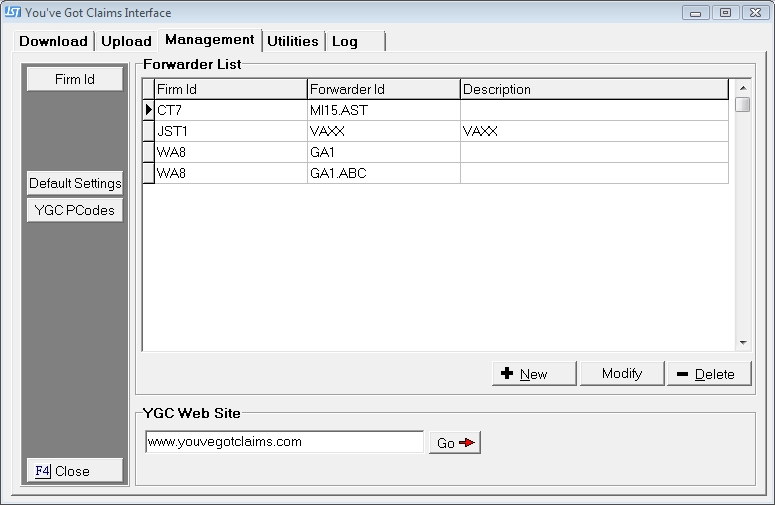
From the Management Tab in the You've Got Claims Interface, to display the Management Tab.
Click the  to display the YGC Interface Defaults Screen.
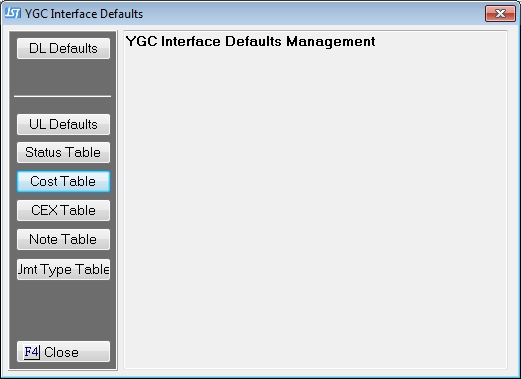
Click the  button to get to the Default Cost Reason Translation Table Screen.
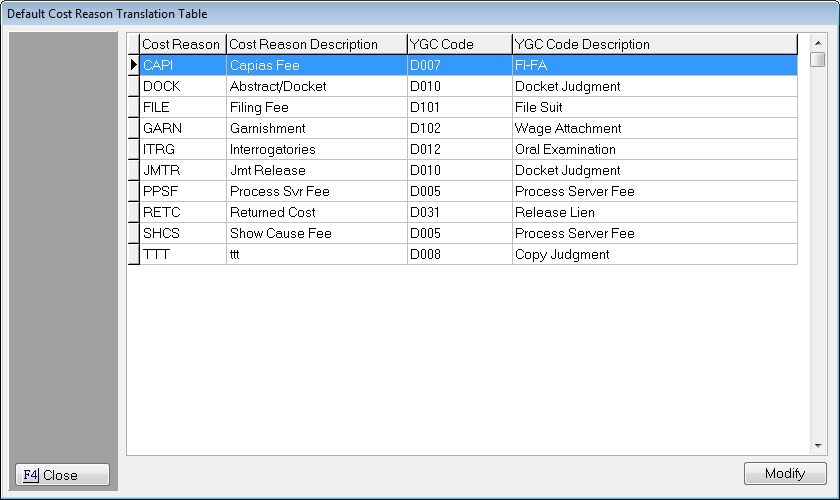
Select the Cost Reason Code to be translated and click the  button to display the Cost Reason Translation Screen.
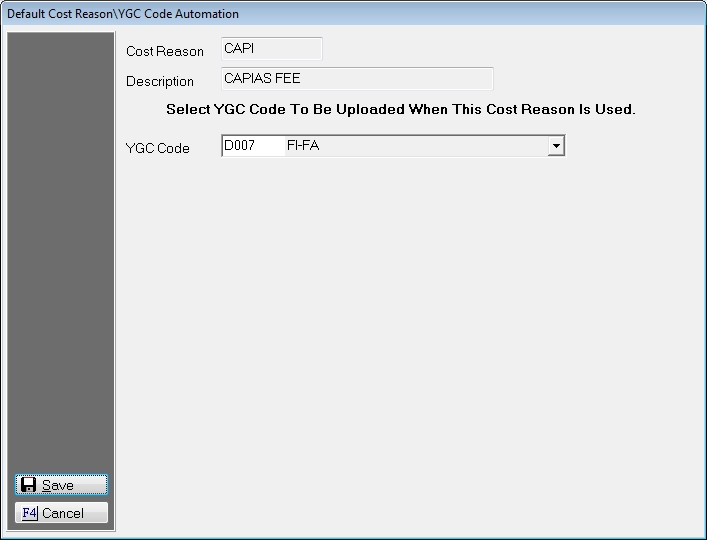
From the list select the most appropriate YGC Cost Code from the list. All codes must be defined so a code must be selected. If you wish to request additional codes be added, please contact You've Got Claims.
Click the  button and continue to define the codes. When a cost is posted, this code will be sent unless overridden at the Forwarder Level.